Über mich
Packlisten
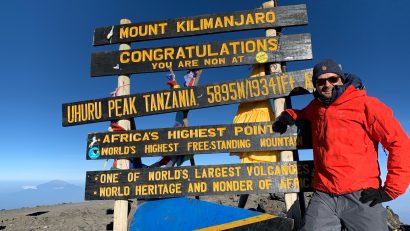
... travel the world, love the mountains...
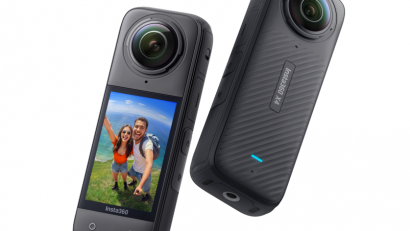
Schon vor Jahren hatte ich mir meine erste GoPro gekauft. Damals vor allem, um sie beim Skifahren, Mountainbiken oder auch unter Wasser zum Schnorcheln und Tauchen einzusetzen. Mit der Zeit gesellte sich zwar ab und zu mal ein neues Modell weiterlesen…
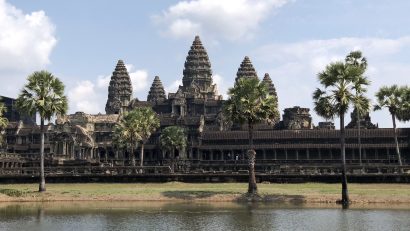
Es gibt exotische Orte, die einen nur mit Bildern bereits in ihren Bann ziehen können. Die Tempelanlagen rund um Angkor Wat in Kambodscha gehören für mich hier definitiv dazu. Man kennt sie nicht nur aus Hollywood-Filmen wie „Lara Croft: Tomb weiterlesen…
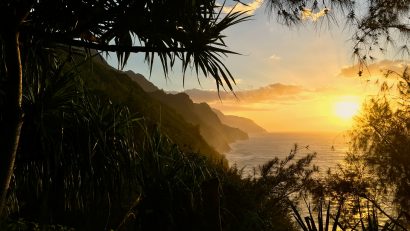
Hawaii gilt nicht umsonst als Sehnsuchtsort für viele Menschen. Dabei ist „Ort“, also die Einzahl hier eigentlich falsch, denn bei Hawaii handelt es sich bekanntermaßen nicht um eine einzelne Insel, sondern eine ganze Inselgruppe. Ich hatte bereits im zarten Alter weiterlesen…
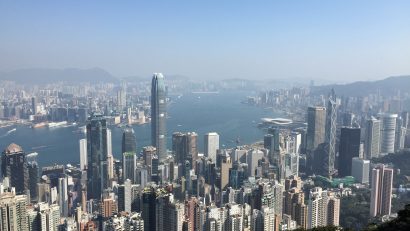
Ich werde vermutlich nie die Ansage des Piloten vergessen, als ich mich das erste Mal auf den Weg nach Hongkong gemacht habe. „Sehr geehrte Gäste, herzlich willkommen auf unserem Flug in eine der exotischsten Städte der Welt…“, klang es da weiterlesen…

Das Entdecken von sogenannten „Lost Places“ hat sich inzwischen zu einem echten Hobby für manche Menschen entwickelt. Und auch wenn ich nicht unbedingt dazu gehöre, versteht es sich für mich von selbst, dass ich mich auf den Weg mache, wenn weiterlesen…
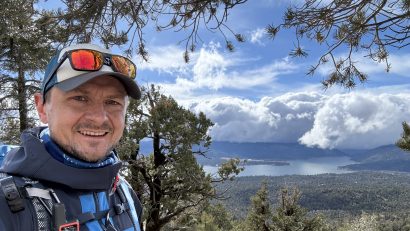
Big Bear Lake dürfte den meisten vermutlich nicht wirklich etwas sagen. So ging es mir bis vor ein paar Monaten auch, ehe ich damit begann, meine USA-Reise im Dezember 2023 zu planen. Dabei stolperte ich auf der Suche nach einem weiterlesen…

Interessiert man sich für Outdoor-Aktivitäten und folgt den entsprechenden Accounts in den sozialen Medien, wird einem zwangsweise irgendwann die Smartphone-Halterung REELOQ in den Werbeeinblendungen präsentiert. Nach dem Motto „steter Tropfen höhlt den Stein“ bin auch ich irgendwann schwach geworden und weiterlesen…
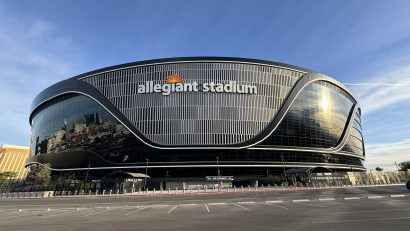
Am 11. Februar 2024 steigt der Super Bowl LVIII im Allegiant Stadium in Las Vegas. Da ich Ende 2023 mal wieder in den USA war, habe ich direkt die Chance genutzt und eine Tour durch den Austragungsort des Endspiels der weiterlesen…
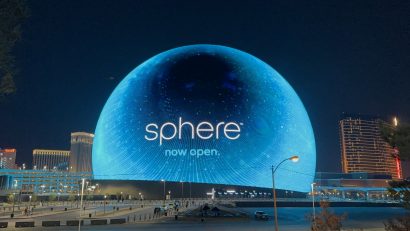
Als ich im Herbst 2023 im Internet erste Bilder und Videos der Sphere in Las Vegas gesehen habe, konnte ich mir zugegebenermaßen gar nicht so recht vorstellen, was es damit auf sich hat. Zumal ich im Vorfeld nicht einmal von weiterlesen…
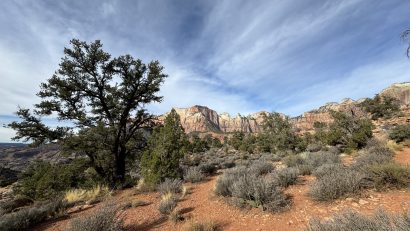
Der Zion Nationalpark wird von vielen Besuchern oftmals nur auf dem Weg von Las Vegas in den Bryce Canyon Nationalpark, quasi „nebenbei“ mitgenommen. Zu unrecht! Die Landschaft im Zion Nationalpark ist wunderschön und der Park hat auch noch mehr zu weiterlesen…